Smart AI Workflows to Save 10 Hours of Your Work Week
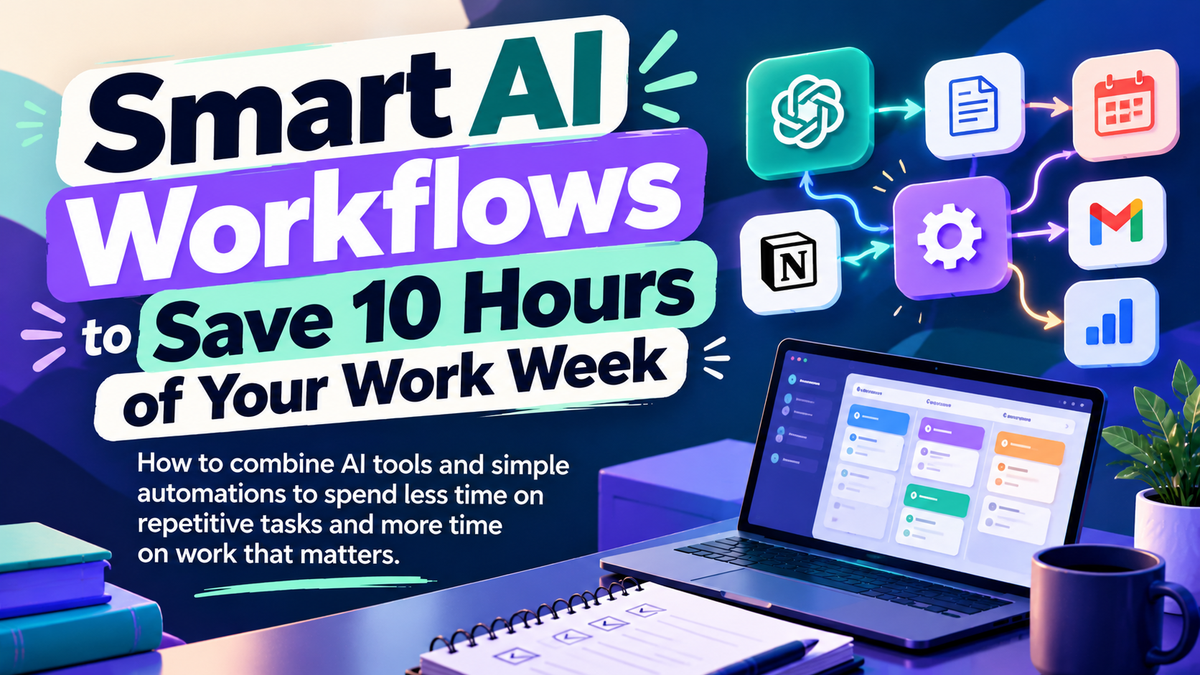
How to combine AI tools and simple automations to spend less time on repetitive tasks and more time on work that matters.
A typical work week is full of small tasks.
Writing emails, summarizing documents, scheduling posts, organizing information, updating spreadsheets, and following up on messages.
Each task might take only a few minutes. But together, they can consume hours that could be spent on more important work.
AI and automation offer a way to simplify some of these tasks without completely changing how you work.
⚙️ WHERE AI WORKFLOWS SAVE TIME
An AI workflow combines AI tools and simple processes to help complete tasks more efficiently.
Instead of starting from scratch every time, you create a repeatable process that handles some of the work for you.
Here are a few practical examples:
Email drafting to create first drafts of routine messages that you can review and personalize.
Meeting summaries to turn notes or transcripts into key points, decisions, and action items.
Content creation to brainstorm ideas, draft social posts, and repurpose existing material.
Research and organization to summarize information, categorize notes, and structure documents.
Routine automation to schedule reminders, move information between apps, and organize incoming data.
Tools such as ChatGPT, Claude, Zapier, and Make can help with different parts of these workflows.
The best option depends on the task. Some jobs need only an AI assistant, while others benefit from connecting multiple tools.
🔄 CONNECT THE TASKS, NOT JUST THE TOOLS
The biggest opportunity often comes from connecting individual tasks into one repeatable process.
Imagine preparing a weekly newsletter.
Instead of researching topics, writing drafts, formatting content, and creating reminders separately, you could build a workflow where:
AI helps organize research and generate a first draft.
A template keeps the format consistent.
An automation moves the draft into your content system and reminds you when it's ready for review.
You check the facts, make edits, and approve the final version.
The goal isn't to remove yourself from the process. It's to spend less time on repetitive steps and more time on decisions that need your attention.
Not every workflow needs to be fully automated. Sometimes, a reusable prompt or template is enough to save time.

🛠️ BUILD SMARTER WORKFLOWS
1. Identify your time-consuming tasksTrack repetitive work for a few days and look for tasks you perform again and again.
2. Start with one simple improvementCreate an email template, use AI to summarize notes, or build a reusable prompt.
3. Connect tools where it makes senseUse automation platforms to move information, trigger reminders, or reduce manual data entry.
4. Review the resultsCheck the accuracy and quality of AI-generated work before using or sharing it.
5. Measure the time savedCompare how long the task takes before and after introducing the workflow. Keep improving it based on the results.
🚀 A SIMPLE WAY TO START
Choose one task you repeat every week, such as writing reports, preparing content, or organizing meeting notes.
Use an AI assistant to simplify one part of the process, then create a reusable template or connect an automation if needed.
Track how much time you actually save over the next week.
You don't need dozens of tools or a complicated system. One useful workflow is a good place to begin.
❯❯❯❯ Want to spend less time on repetitive tasks? Discover tools and resources for building smarter AI workflows.
📌 NOTE
AI workflows can save time, but results depend on the task, the tools you use, and how well the process is designed. Saving 10 hours a week is a goal, not a guaranteed outcome.
Review AI-generated content for errors, protect sensitive information, and require human approval for important decisions or actions. Check the permissions and costs of any automation tools before connecting your accounts.
KEY TAKEAWAY ⤵
You don't need to automate your entire workday to make a difference.
Start with repetitive tasks, build a workflow that works, and measure the time you get back.
Work smarter by designing the process, not just speeding up the task.
- AI Business Builder