The Tasks Hiding Between Your Apps
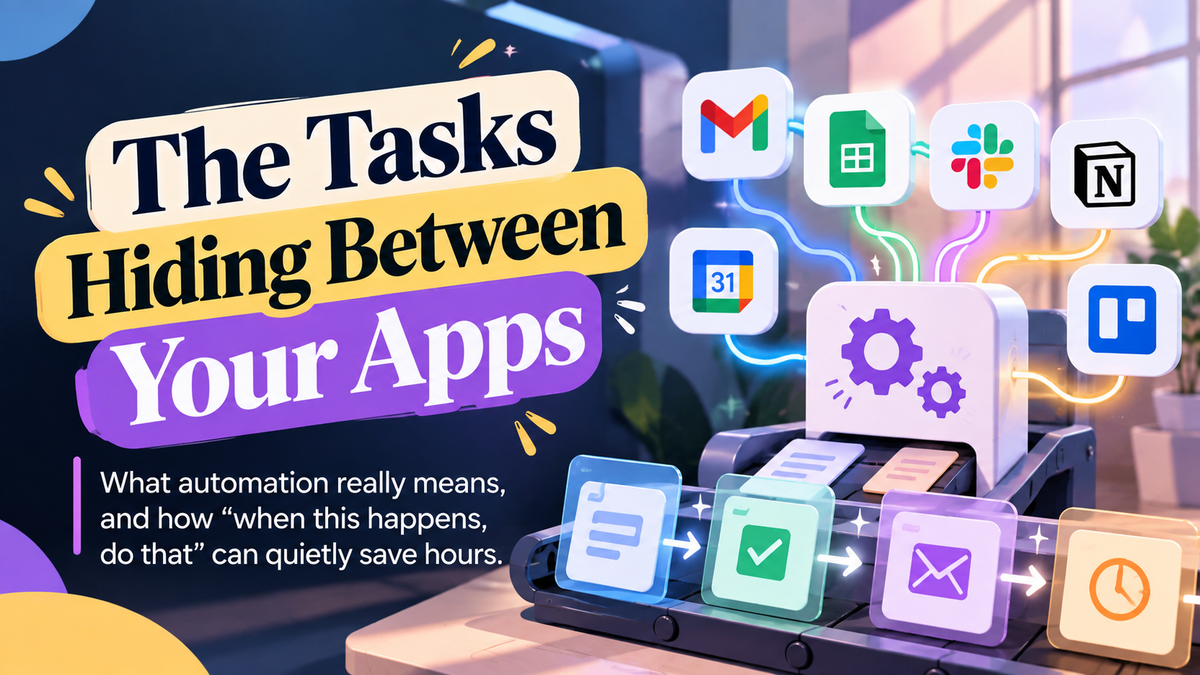
What automation really means, and how "when this happens, do that" can quietly save hours.
Someone fills in the contact form on your website.
You get an email. You copy their name and details into a spreadsheet. You add a reminder to your calendar to follow up. Then you send them a welcome message.
Four steps, four apps, maybe ten minutes. Every single time.
🔗 WHEN THIS HAPPENS, DO THAT
A lot of busywork doesn't live inside any one app. It lives in the gaps between them, in the moments when you carry information from one place to another by hand.
Automation is simply setting up those handoffs to happen on their own.
Most automation follows one simple pattern: when this happens, do that.
The "when" is called a trigger: a new form entry, a new email with an attachment, a new payment, a new row in a spreadsheet.
The "do that" is the action: add a row, send a message, create a task, save a file to a folder.
Tools like Zapier and Make are built around exactly this idea.
They connect thousands of common apps, from email and calendars to spreadsheets, forms, and payment tools, so you can link a trigger in one app to actions in another.
Many apps also have simpler automation built in, like email rules that file messages automatically.
Back to the contact form.
With a basic automation in place, a new form entry could automatically add the person to your spreadsheet, create a follow-up reminder, and send a friendly confirmation email.
You just show up for the conversation.
🤝 AUTOMATION AND AI, WORKING TOGETHER
Automation and AI do different jobs, and they work well together.
Automation moves information reliably. AI helps with the parts that need reading or writing.
For example, an automation could take each new customer inquiry, pass it to an AI step that sorts it into "quote request," "support question," or "other," and then route it to the right folder or person.
Several automation tools now include AI steps like this.
The result is fewer manual handoffs, fewer forgotten follow-ups, and fewer things that depend on you remembering.
⚙️ FINDING YOUR FIRST AUTOMATION
1. Look for the word "every." "Every time someone pays, I..." or "every Monday, I..." Those sentences describe automation candidates.
2. Start with one trigger and one action A single, simple automation that works is better than an ambitious one that breaks.
3. Map it on paper first Write the trigger, then each step in order. If you can't describe it clearly, the automation won't be clear either.
4. Check the free plans Many automation tools offer free tiers with limits, which are enough for testing your first few ideas.
🚀 A SIMPLE WAY TO START
Go back to the time audit from October 1 and find one task where you copy information from one app to another.
Write it as a sentence: "When [this happens], then [do this]." Then search your automation tool of choice for those two app names together.
There's a good chance a ready-made template already exists.
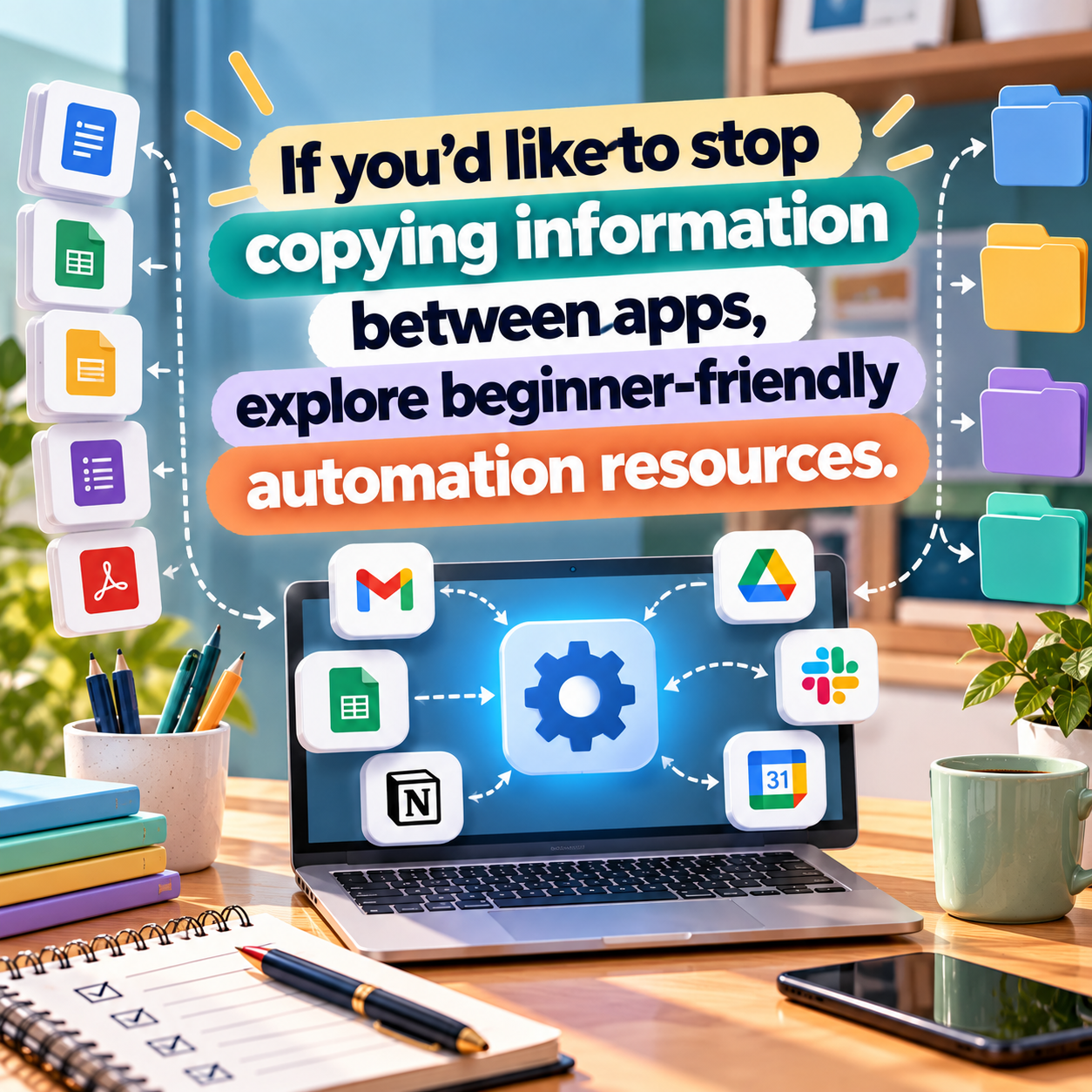
❯❯❯❯ Ready to set up your first "when this, do that" workflow? See tools that make it simple.
📌 NOTE
When an automation runs on its own, mistakes can repeat on their own too.
Test new automations with sample data first, check the results for the first week, and be careful with any automation that sends messages to customers or moves money.
KEY TAKEAWAY ⤵
A lot of busywork lives in the gaps between your apps. Find one copy-and-paste task and turn it into a simple trigger and action.
Let the routine run itself, and keep your attention for what matters.
- AI Business Builder